


◎ INSTAGRAMTRIGGER
NEW COMMENTAny Reel or post


COMMENT-TO-DM · SCHEDULING · CAPTIONS
When someone comments your keyword, NextPost sends them a private DM with your link, guide or booking page, then shows you who clicked.
Free plan · No credit card · Connect Instagram when you’re ready
Secure Google sign-in. No password stored by NextPost. Privacy · Terms
Any Reel or post
Contains “GUIDE”
Send creator guide
creator.co/guide
Scheduling, auto replies, moderation, analytics, AI captions, digital products, media kits and video captions, all under one sign-in.
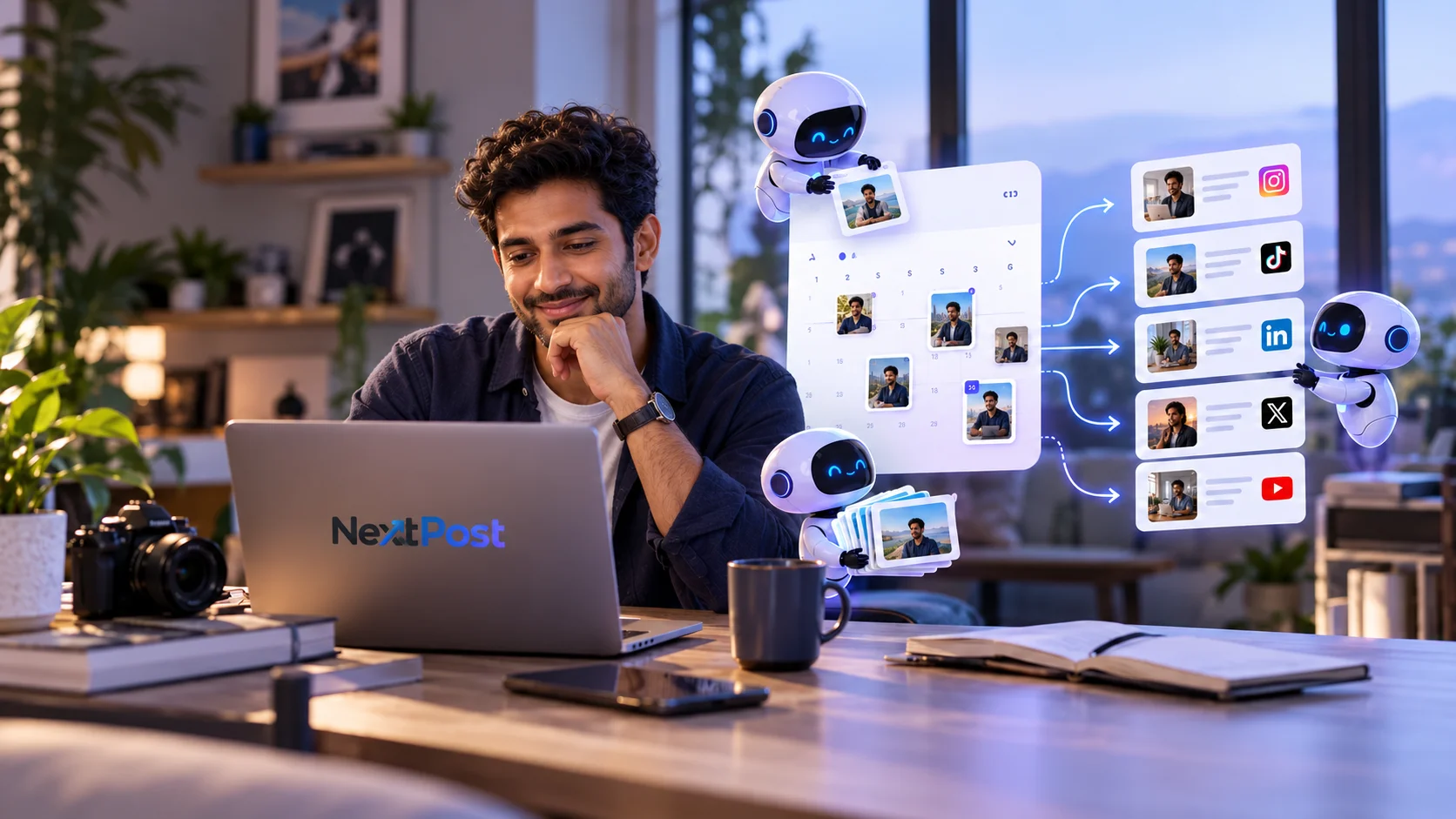
Plan Reels and posts ahead and see your whole publishing week in one place.
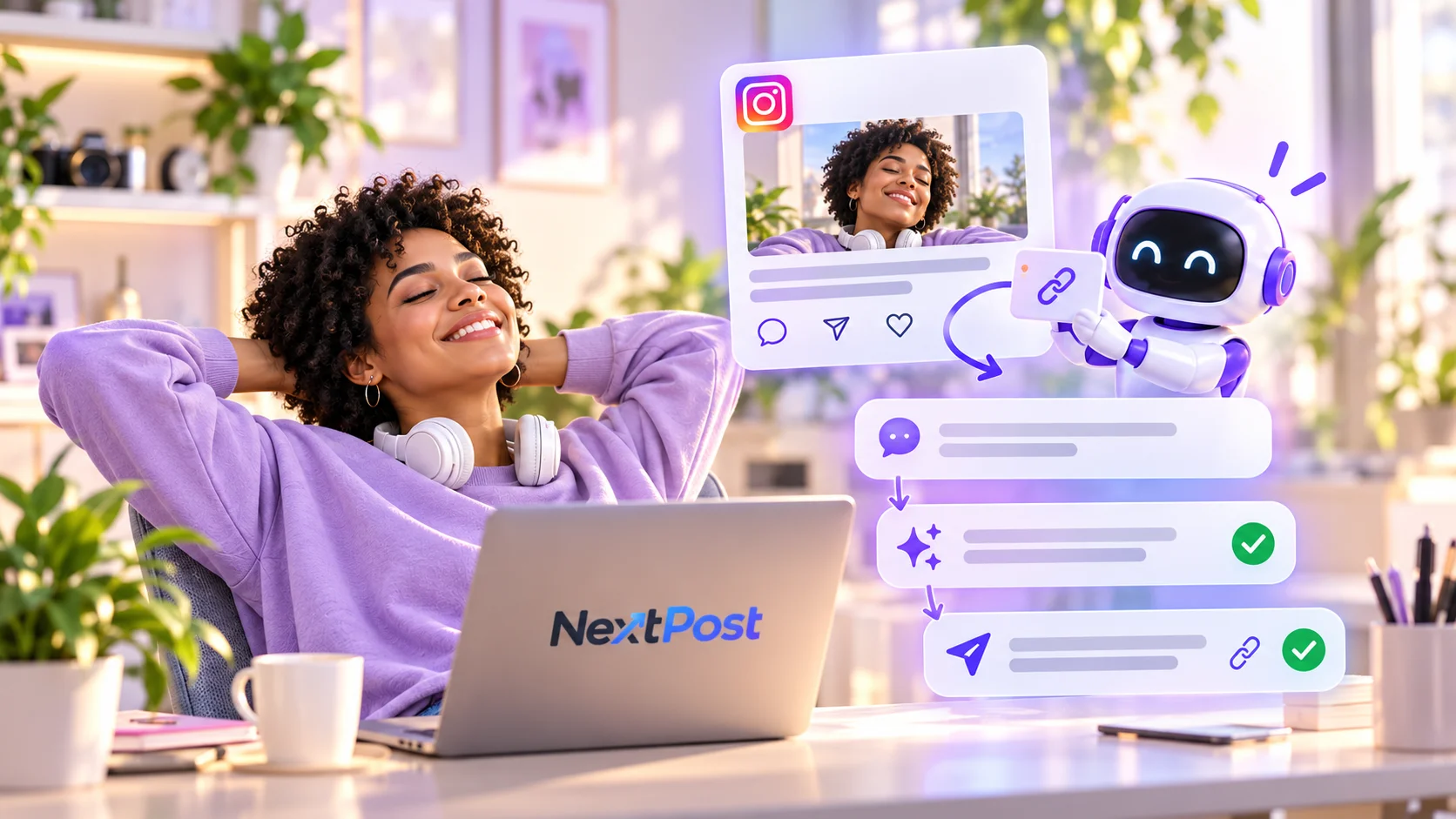
Pick a keyword, write the reply and add a follow-up. Every message it sends is listed for you to check.
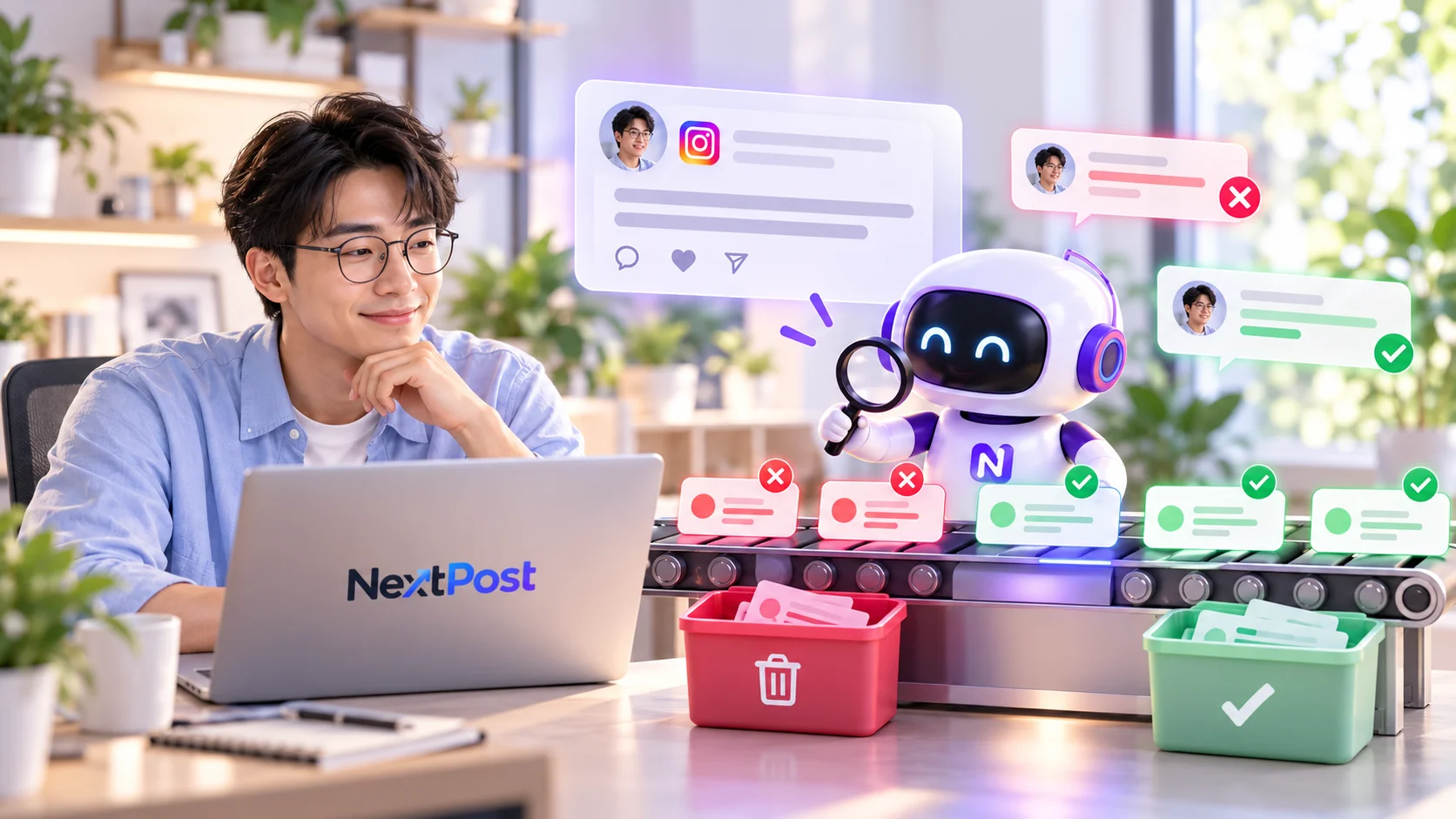
Set rules for spam and unwanted words, and review everything that was flagged from one list.

Track what your audience asks for and which content and automations lead to activity.

Start from your own content and edit every draft before it goes out. AI credits cover what you use.
Add your files, share one storefront link and get paid to your verified bank account.

Your profile, numbers and best work on one page you can send to any brand.

Add captions and translations to your videos and review them before you post.
Link Instagram (Creator or Business) with clear permissions.
Pick a trigger, response, and next step.
See what each automation triggered and sent, then adjust it.
Every workspace starts on Free. Starter unlocks unlimited automations; Elite and Pro add scheduling and monthly AI credits. Top up credits on any plan.
AI credits power captions, translations and AI writing. They never expire.
NextPost asks only for the permissions it uses, encrypts your credentials and shows each connection’s status. Disconnect any time.
Instagram comments into private DMs, public replies, follow-to-unlock messages, resources and bookings. You can also schedule posts and moderate comments.
Instagram Professional accounts (Creator or Business). You connect through Instagram’s official sign-in and can disconnect any time.
NextPost uses Instagram’s official API with the permissions you approve, and keeps sending within Instagram’s limits. Your password is never shared with us.
No. Sign in with Google and start on the Free plan. Upgrade only if you need more automations, accounts or AI credits.
Each automation you publish in a month counts once. Edits and pauses are free.
Credits pay for AI work like captions, ideas and video captions. Paid plans add credits monthly. They don’t expire.
Yes. Add guides or downloads, share one storefront link, and get paid to your verified bank account.
Plans are prepaid and don’t auto-renew. When one ends you’re back on Free with your work intact.
Disconnect accounts in Settings, or follow the steps on our Data Deletion page. You can also email support@nextpost.studio.
Free plan · No credit card · Connect Instagram when you’re ready.